Coding Robots for Kids: What $70, $150 and $200 Actually Buy You This Holiday
A coding robot is a small toy that does exactly what a child tells it to, in the order they told it. Get the order wrong and the robot drives into the couch. That little failure is the whole lesson.
The good news for a gift budget: the cheapest tier is often the right one for a young child. The expensive robots mostly add a screen, more sensors and room to grow.
Under $80, a young child can code without any screen
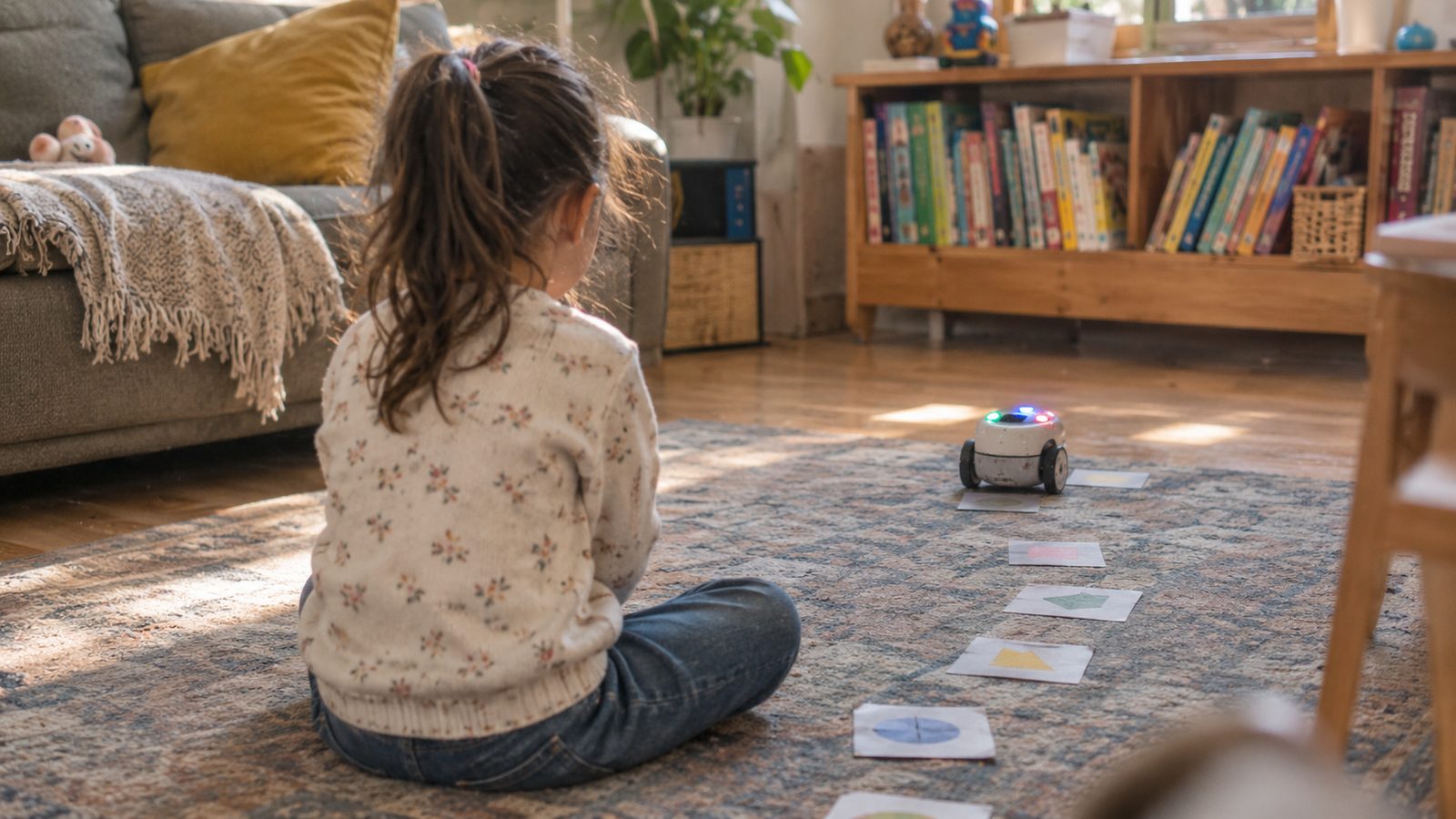
For kids around 5 to 7, look for a robot you program with buttons, not a tablet. Botley 2.0 from Learning Resources is the common pick here. RobotShop lists it at $72.92 for ages 5 and up, and calls it “100% screen-free.”
Your child presses arrow buttons to build a route, then hits go. According to the retailer, Botley can follow sequences of up to 150 steps. It can also play music and run light shows. Think of it as writing a recipe, then watching someone cook it word for word.
The catch is small but real. The UK parent site Mumsnet points out that Botley needs five AAA batteries, and they are not in the box. Buy them with the gift, or the morning ends early.
Around $100 to $150, an older kid builds the robot first
From about age 8, a build-it-yourself kit adds a second skill: putting the machine together. Makeblock’s mBot2 lists at $149.99, and the company’s store showed it at $94.99 as a limited-time offer. Makeblock says assembly takes about 30 minutes.
Children start by snapping coding blocks together on a screen, much like stacking puzzle pieces. Later they can switch to Python, a real programming language used by adult developers. Makeblock says the robot can also learn to recognize images and poses. That means a kid who loves it will not outgrow it in a month.
The trade-off: this tier needs a computer or tablet, and a parent nearby for the first build.

Around $190 to $200, you pay for polish and years of use
Two robots sit at this price. Wonder Workshop lists Dash at $189.99 for ages 5 to 14. It rolls on wheels, senses obstacles in front and behind, and can tell which direction a sound came from. The company says one charge gives about five hours of active play.
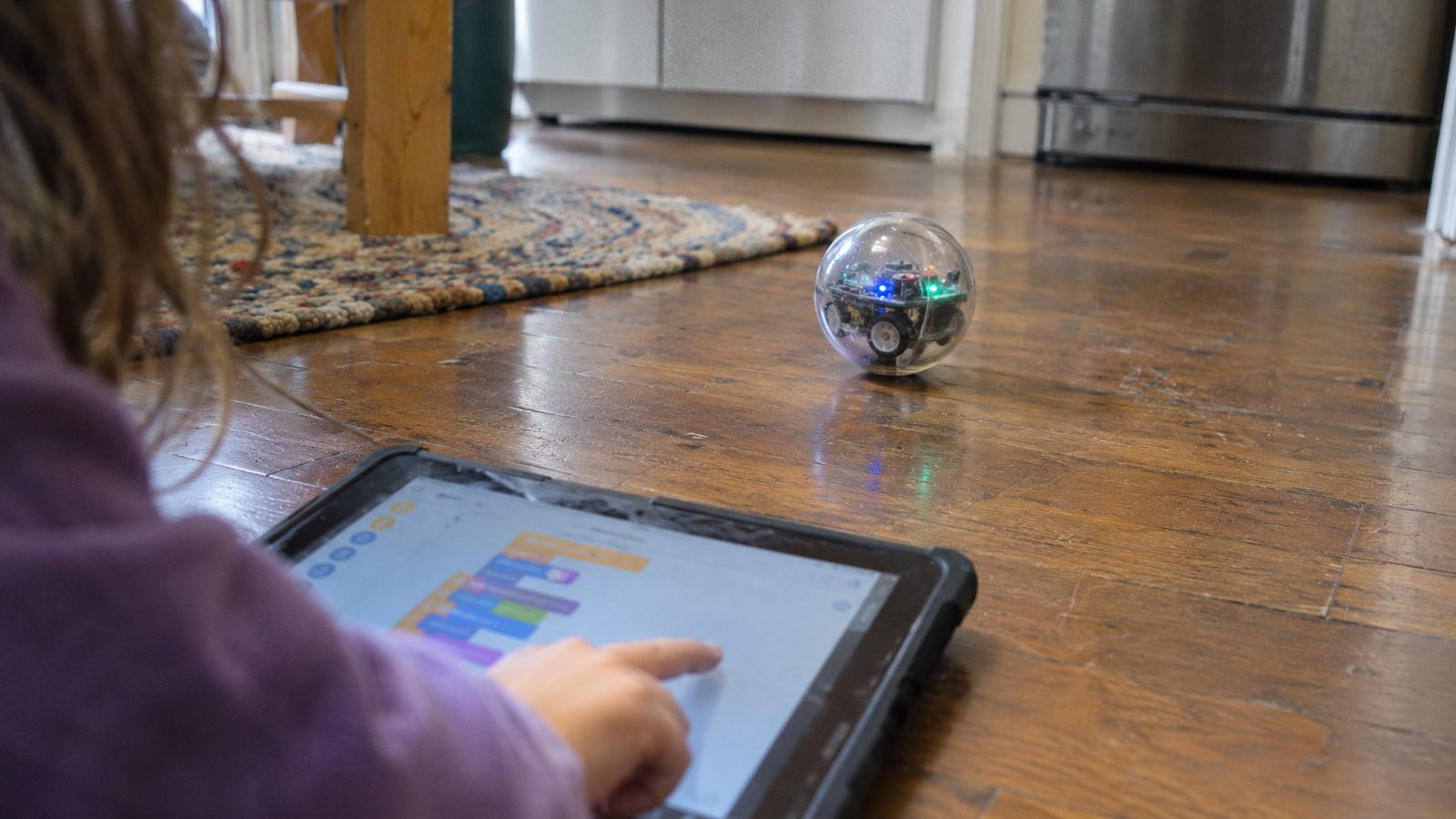
Sphero’s BOLT+ costs $199 and is a clear ball with a small display inside. Sphero aims it at grades 3 to 10. Kids can draw a path with a finger, stack blocks, or type real code in JavaScript or Python. It charges on a wireless base, like some phones.
Both need a tablet, phone or laptop to program them. Both also cost extra once you add accessories. Wonder Workshop sells a Dash launcher for $34.99 and a gripper kit for $44.99. Mumsnet’s review of the earlier Sphero Bolt noted a short battery life and no sound. Sphero says the newer BOLT+ has “all-day battery life.”
Match the robot to the child, not to the box
The age on the box is a guide, not a promise. A patient 5-year-old may love Dash. A restless 9-year-old may get bored with a kit that takes half an hour to build.
Ask three questions before you buy. Will your child use a screen for this, and are you fine with that? Does the robot need batteries, a charger or extra parts? And is there a next step once the first games are done? If the answer to the last one is no, the robot will likely end up in a drawer by spring.
What to buy
- Botley 2.0 screen-free coding robot – Suits kids around 5 to 7 who should code without a tablet; needs five AAA batteries that are not included.
- Makeblock mBot2 build-it-yourself coding robot kit – Suits kids from about 8 who like to build; grows from blocks to Python but needs a computer and a parent for the first build.
- Wonder Workshop Dash coding robot – Friendly wheeled robot for ages 5 to 14 with about five hours per charge; needs a tablet and accessories cost extra.
- Sphero BOLT+ coding robot ball – Durable ball robot for grades 3 to 10 that goes up to real JavaScript and Python; the priciest single robot here.