How Your Robot Vacuum Finds Its Way Around – and Why It Sometimes Gets Lost
Every robot vacuum has to answer two questions all the time: where am I, and what is in front of me? How well it answers decides whether it cleans your home in neat rows or wanders into the same corner five times.
There are three main ways to do it. You can usually tell which one a robot uses just by looking at it.
A spinning laser on top draws a floor plan of your home
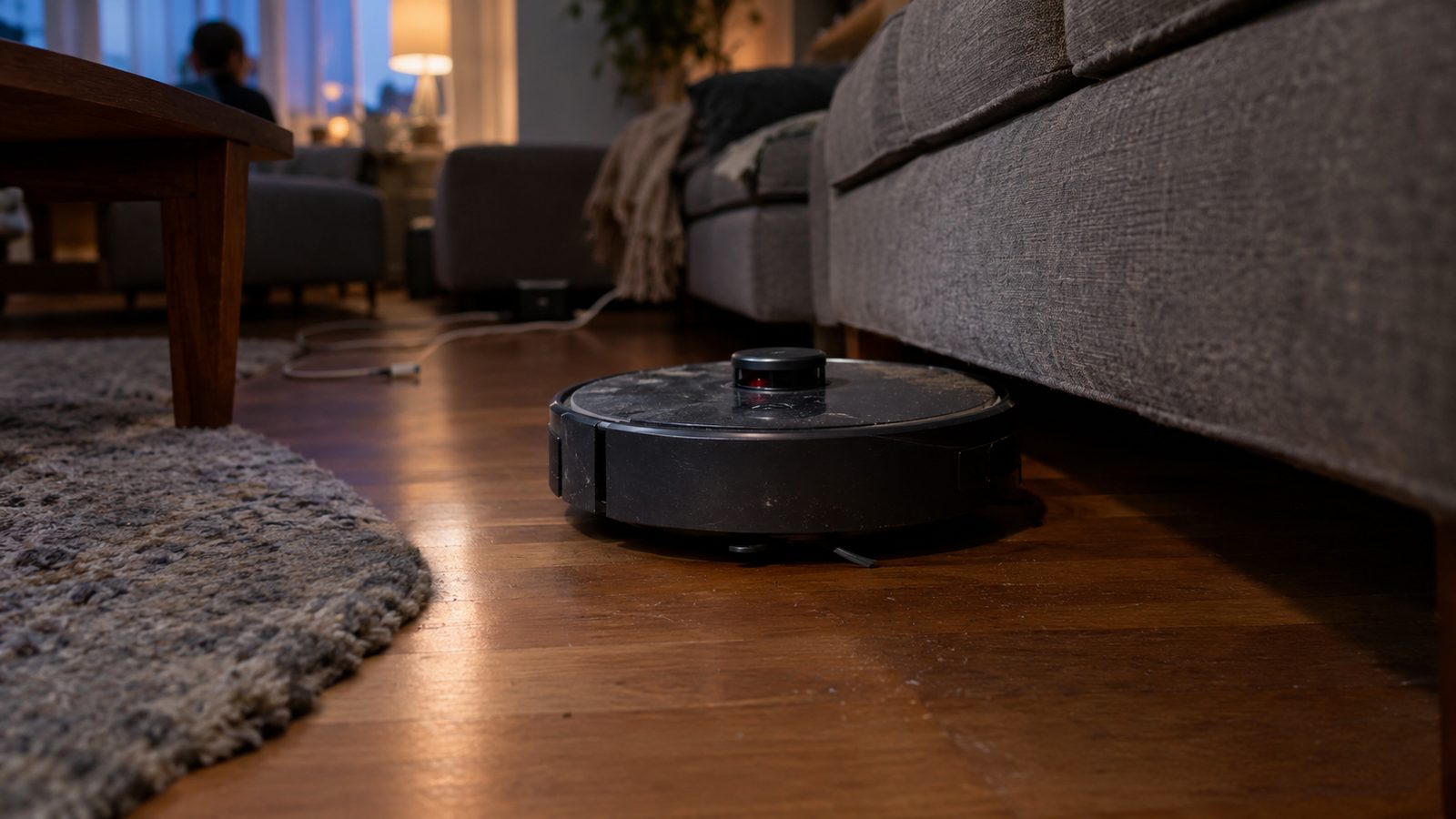
See a small round bump on top of the robot? That is a laser scanner (LiDAR). Think of a lighthouse that times its own light. According to Dreame, the turret spins about five times per second and fires laser pulses in every direction.
Each pulse bounces off a wall, a table leg or the couch. The robot measures how long the light took to come back and turns that into a distance. Thousands of these points add up to a floor plan.
Dreame says most of these scanners reach 26 to 33 feet and place walls within an inch or two. Because the laser brings its own light, the robot maps just as well at night as at noon. The map is saved, so you can name rooms and draw areas the robot must stay out of.
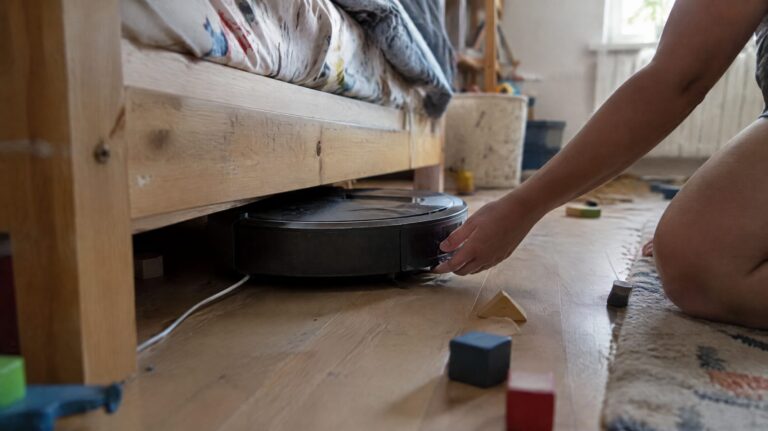
The catch is height. Dreame puts the turret at roughly four inches on a standard model. Measure the gap under your sofa and bed before you buy one. A laser also sees shapes, not things. It cannot tell a phone cable from a sock.
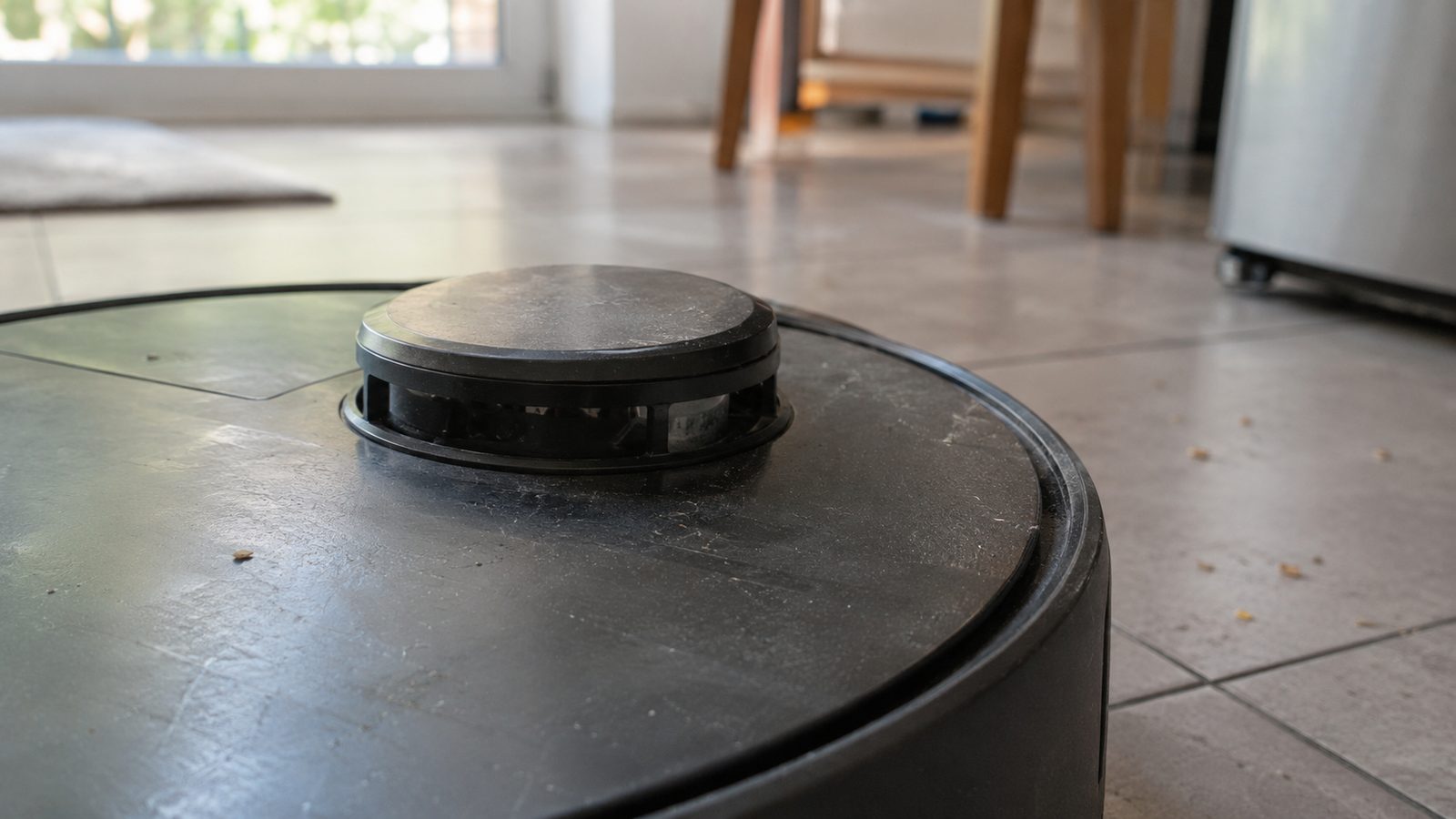
A camera finds landmarks, but it needs the lights on
Some robots look for corners and edges with a camera instead. It works the way you find your way through a familiar room: you spot the bookcase and the doorframe and know where you are. Ecovacs, which sells both kinds, calls this visual mapping (vSLAM).
iRobot took this route for years. Its Roomba 980 from 2015 used an upward-facing camera to build its map. A front camera can also recognize a cable or pet mess and steer around it.
The weakness is light. Ecovacs says plainly that camera navigation needs good lighting. Dreame adds that cameras lose their landmarks in the dark. If you run the robot while you sleep with the blinds shut, a laser model is the safer pick.
Budget robots navigate by feel and memory of their own turns
The cheapest robots carry no map at all. A motion sensor inside (a gyroscope) tracks how far and which way the robot has turned, a bit like walking a room with your eyes closed and counting steps.
Dreame says this works fine in a small studio but struggles in a home with several rooms. The robot cannot remember where it has been, so it misses patches in one room and doubles back in another. It also cannot save no-go zones.
All three types share the same safety net. A bumper on the front half registers a touch, and the robot backs off and turns. Infrared sensors underneath, called cliff sensors, keep it from driving down the stairs.
When the map breaks, the cause is usually in your home
Most navigation trouble has an everyday cause you can fix in an afternoon.
- The robot invents a room behind a mirror. A floor-length mirror or a glass door sends the laser back, and the robot maps an extra room beyond it. Dreame suggests frosted film on the bottom part of the glass.
- It stops at a dark rug as if it were a cliff. Dark and black surfaces can fool the cliff sensors into seeing a drop. iRobot says its robots also sense obstacles less reliably on very dark surfaces.
- It keeps hitting chair legs. iRobot says objects narrower than about two inches are harder for its robots to detect. Shiny chrome legs can also scatter a laser.
- The map comes out tilted or keeps restarting. Check the charging dock. Dreame says it should sit flat against a straight wall, with about 20 inches free on each side and 40 inches in front.
- The map warps after a clean. Picking the robot up mid-run, or letting it get stuck on a thick rug, confuses its sense of where it is. Pause it before you move it.
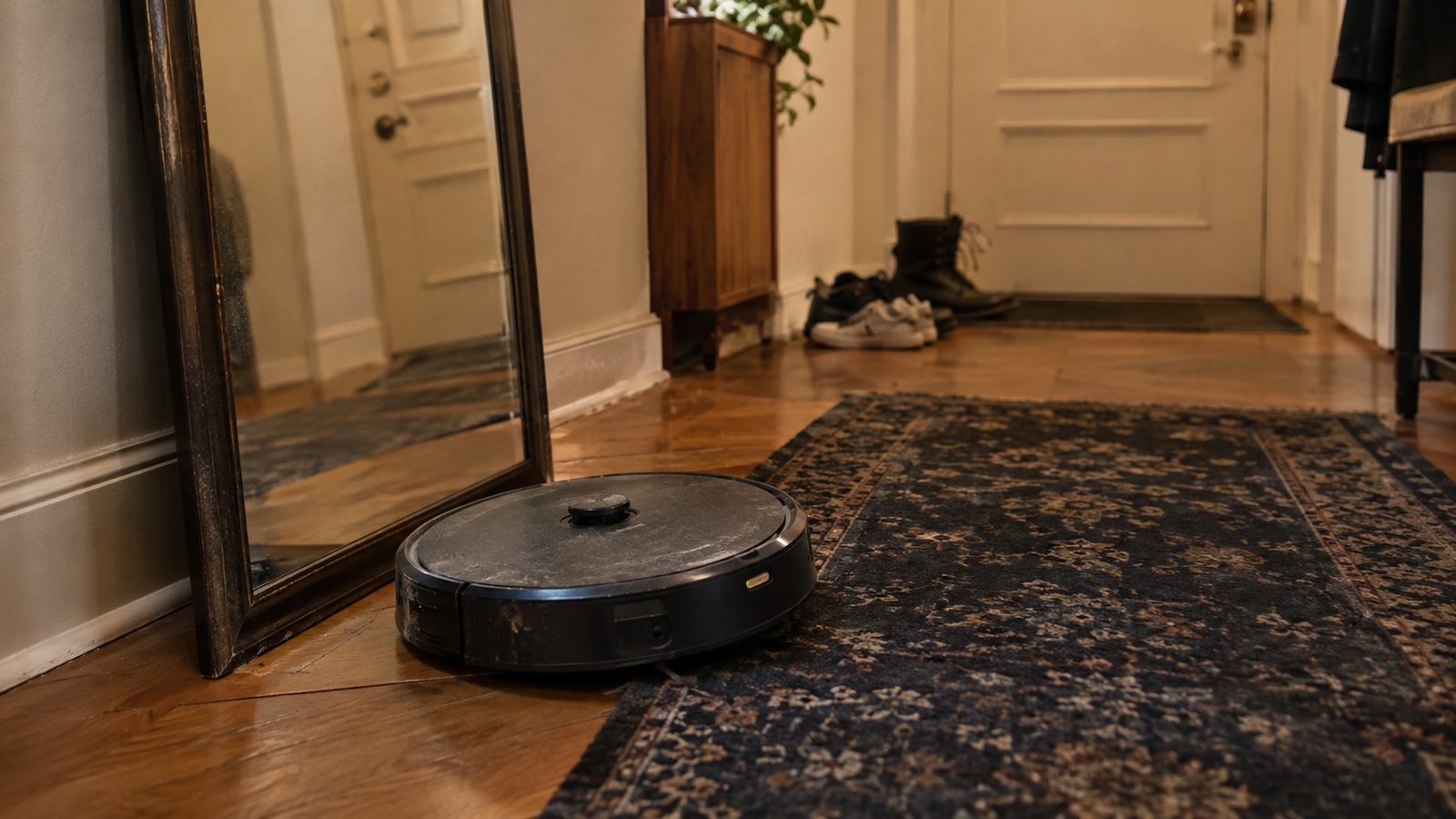
Dirty sensors cause many of the oddest symptoms. If the robot slows down for nothing or misses obstacles, iRobot recommends wiping the bumper with a lightly damp melamine sponge. Then turn the robot off, lay it on its back and blow compressed air into the gaps around the cliff sensors.
If you need a fresh map, save the old one in the app first, so your room names and zones survive. Then open every door, pick up cables and shoes, and let the robot finish its mapping run without touching it.
The short version for buyers: a laser model for a home with several rooms, a camera model if you want it to dodge cables and your rooms are well lit, and a gyroscope model only for a single room. Measure under the sofa either way.