How a Home Robot Hears You: Wake Words, Microphones and Where Your Voice Goes
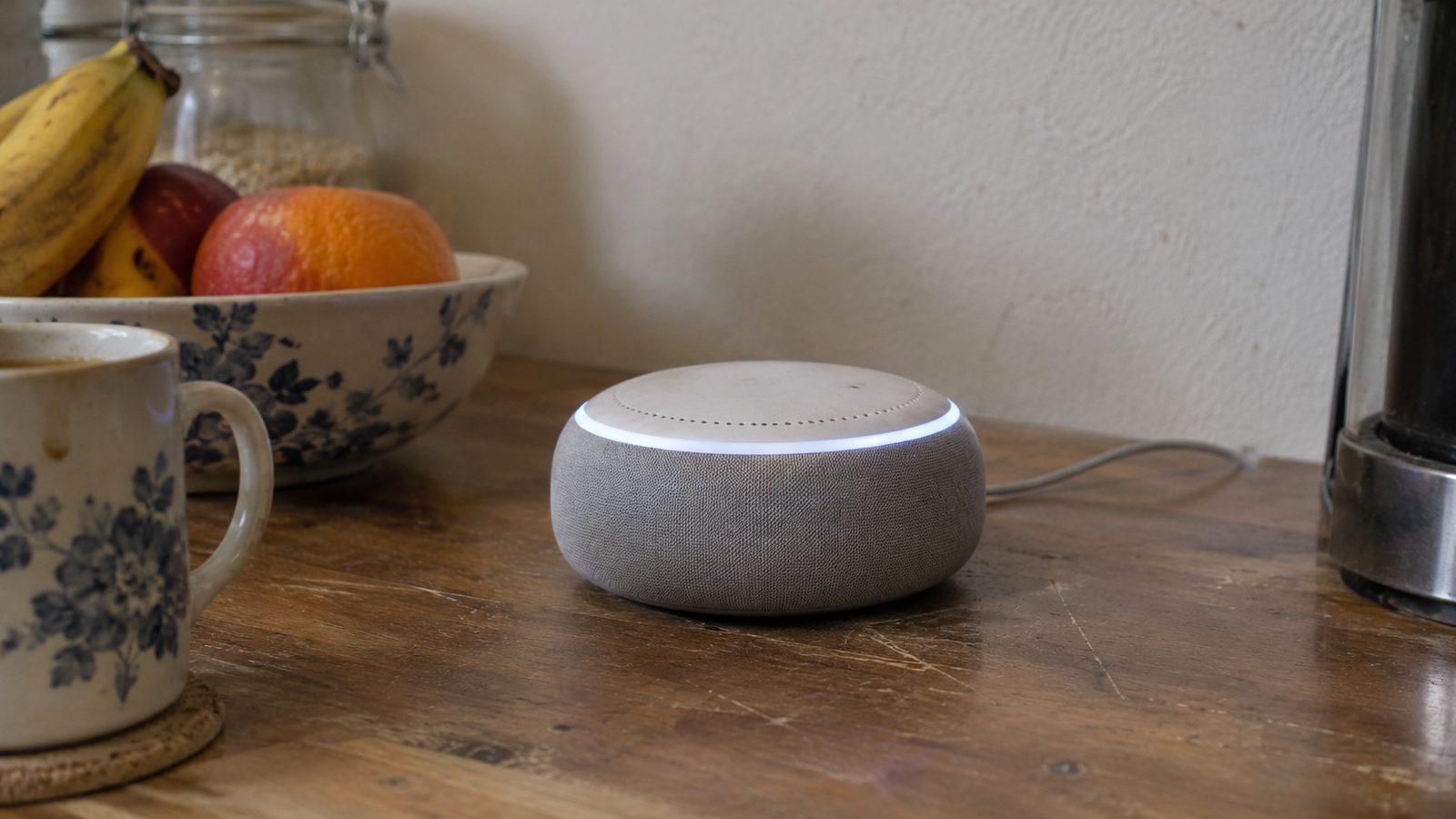
Your home robot is listening right now. Most of the time, it waits for one phrase. That phrase is called a wake word, and it decides when your voice starts a conversation.
Think of a doorbell. It does nothing until someone presses it. A wake word works the same way. The robot keeps a small part of its hearing on and ignores the rest of the sound in the room.
The robot listens for one phrase on its own chip
Amazon says its Alexa devices are “designed to detect only your chosen wake word.” The device matches sound patterns against that phrase. Amazon says this happens on the device itself, not in a distant computer.
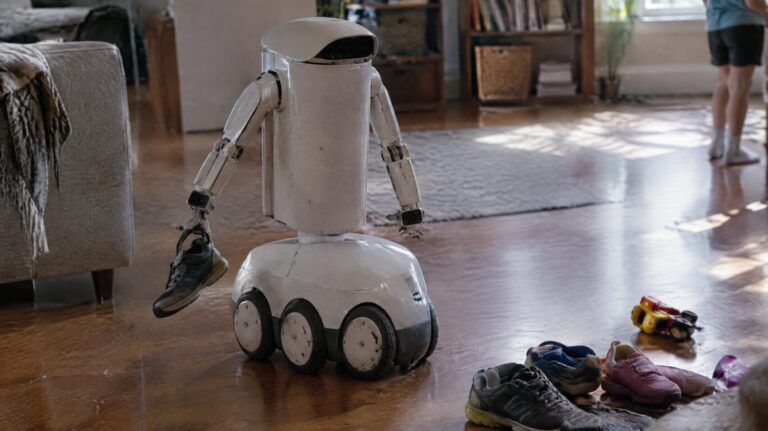
Matic, a home robot company, says its “Hey Matic” detection works the same way. Its blog says audio is “analyzed in the moment via an on-device model and immediately discarded.” That is the company’s own description. Ask for its written privacy terms before you rely on it.
After the wake word, your words can leave the house
The wake word only opens the door. Once the robot hears it, the robot records your request. For many voice robots, that recording goes to company computers, where the heavy thinking happens.
Amazon’s help page says it plainly: “a recording of what you ask Alexa is sent to Amazon’s cloud.” The cloud is a set of large computers in company data centers, far from your home.
There is one more detail. Amazon says the stream “includes a fraction of a second of audio before the wake word.” The device keeps a short memory so it does not cut off your first word. That means a sliver of sound from before you spoke can be sent too.
Matic’s design sends less. Its blog says only the command after a chime goes to the cloud, to Google’s AI service. Same wake word idea, different trips for your voice.
How to check and limit what it hears
- Watch the light. Amazon says a visual indicator appears when the device sends your request to the cloud. If a light comes on and you said nothing, check your recordings.
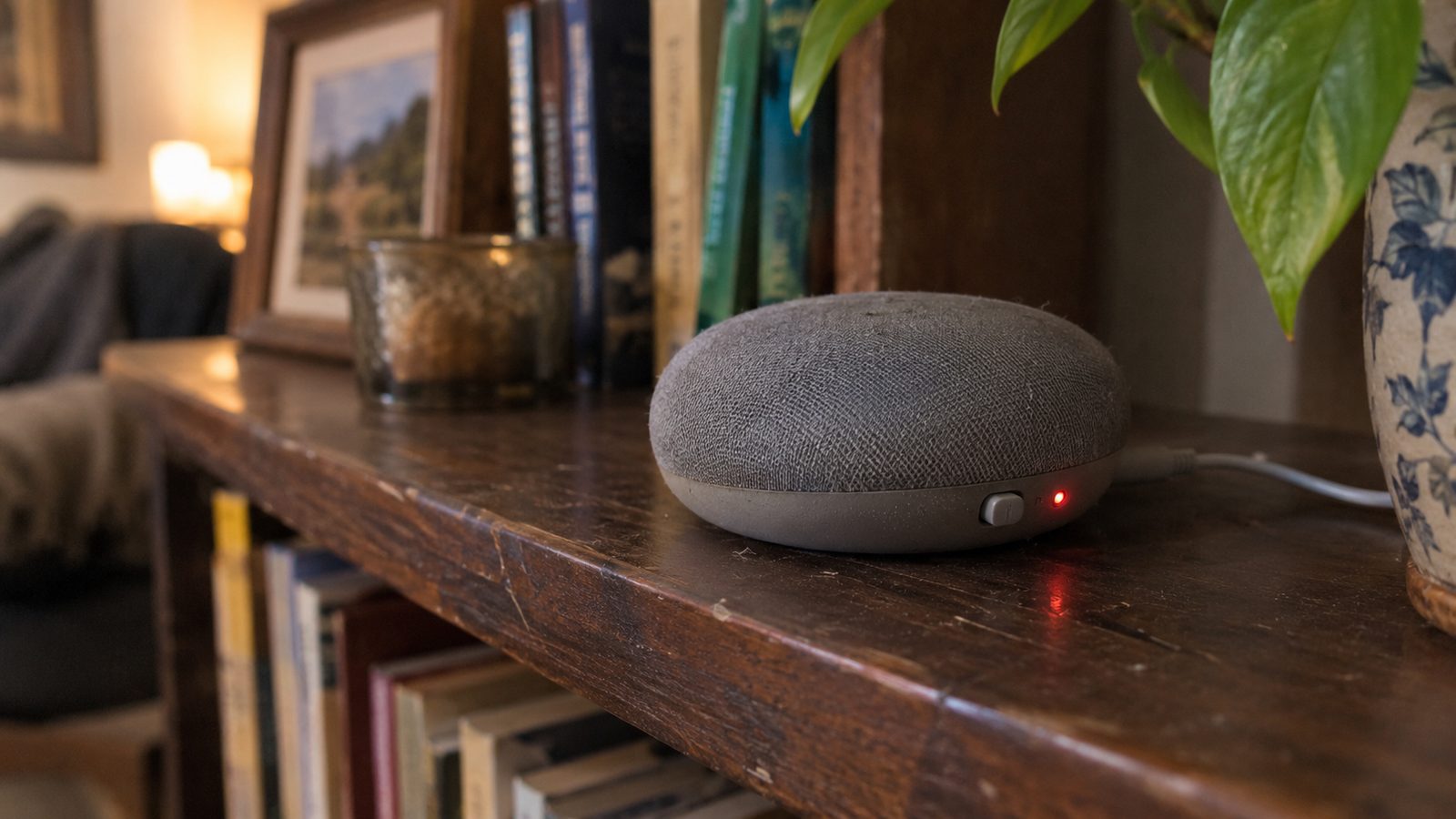
- Press the microphone button. Amazon says that when it is pressed, “the power to the microphones is disconnected and a dedicated red light is illuminated.” Voice commands stop, even with the wake word.
- Read your recordings. Amazon says you can “review and delete Alexa voice recordings, text transcripts of those recordings.” In the Alexa app, go to More, then Alexa Privacy.
- Check the other robots too. Matic says its microphones are off by default. It also says that turning off its Matic Cues setting turns the microphones off.
Where the design can fail, and what to ask
The wake word part is the strongest piece of the design. The robot checks sound patterns on its own chip. The weak spot is the cloud part. Once a recording leaves your home, you depend on the company to delete it.
Before you buy any home robot, ask the maker three questions. Does the wake word run on the robot? Is audio saved after the robot answers? Is there a switch that cuts power to the microphones? If the answers are vague, the privacy is only as good as the promise.